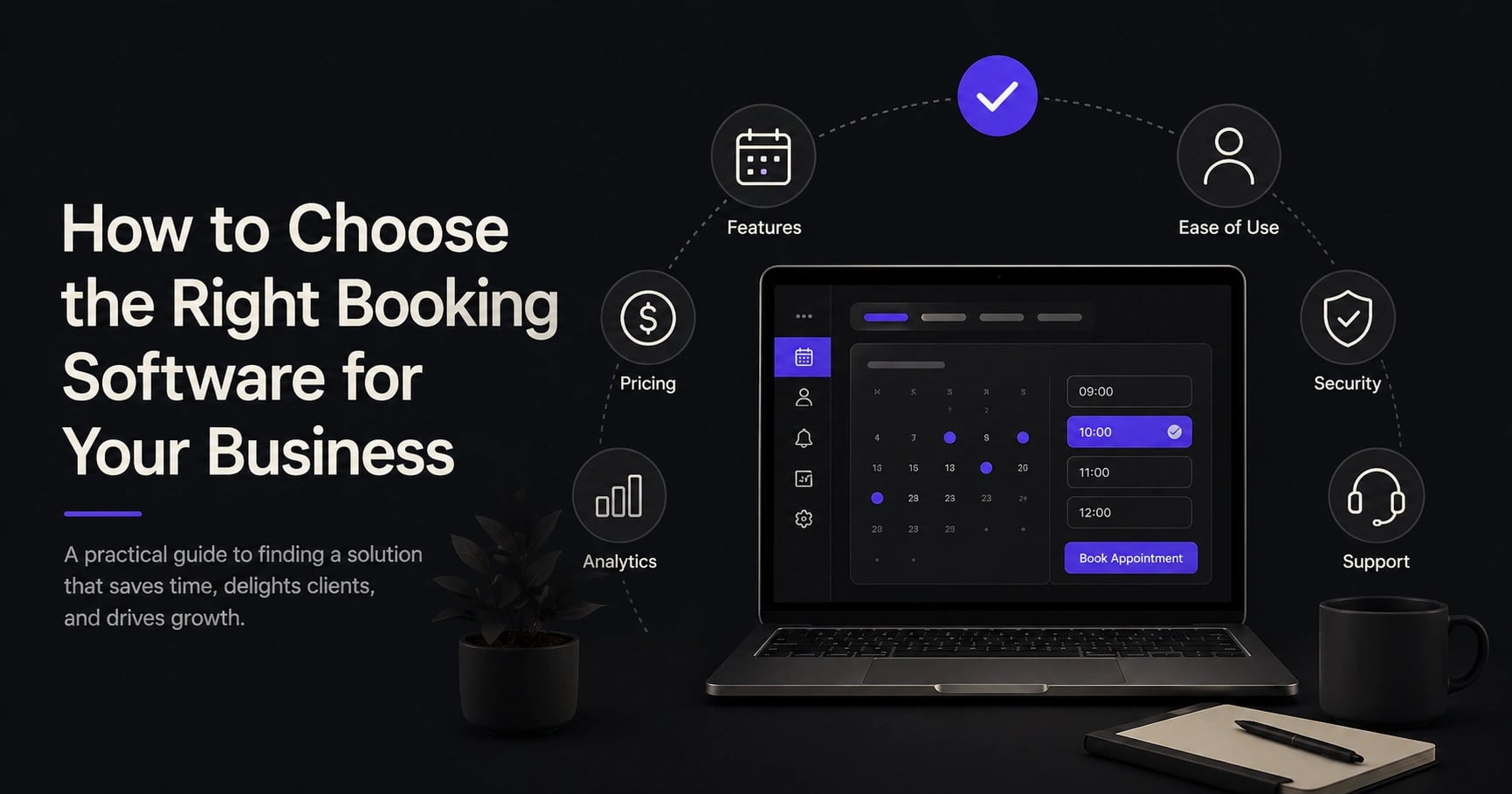
How to Choose the Right Booking Software for Your Service Business
 ·25 April 2026
How to Choose the Right Booking Software for Your Service Business
Choosing the right booking software for your service business is not just about putting a calendar on your website.
For a salon, wellness studio, consultant, repair service, clinic, coach, or local service provider in Luxembourg, booking software can influence how clients discover you, how easily they book, how often they show up, and how much time your team spends on admin.
The wrong system creates friction. Staff still answer the same calls. Clients forget appointments. Payments are handled separately. Customer data is spread across spreadsheets, WhatsApp, email, and paper notes.
The right system does the opposite. It helps people book faster, reduces manual work, keeps client information organised, and gives your business a more professional experience from the first click.
This guide explains what to look for before choosing booking software for your service business, especially if you want a tool that supports online bookings, reminders, deposits, CRM, POS, and long-term growth.
Why Booking Software Matters More Than Most Businesses Think
Many service businesses still treat booking as an admin task. In reality, it is part of the customer experience.
A client who can book in two minutes is more likely to complete the action than someone who has to call during opening hours, wait for a reply, or send multiple messages to confirm availability.
Google's Local Services documentation shows that users can be redirected from Google to a booking partner website after selecting a service provider, choosing a service, and filling in their contact details. That means booking is increasingly part of the online discovery journey, not just something that happens after a phone call. (Google)
For Luxembourg service businesses, this matters because clients often compare several providers before deciding. If one business offers instant online booking and another requires back-and-forth messages, the easier option often wins.
Booking software also supports internal operations. Stripe explains that booking systems with payment capabilities can include features like automated reminders, discount codes, recurring payments, and online payment collection. It also notes that reminders can help minimise no-shows. (Stripe)
So the question is not: "Do we need a calendar?"
The better question is: "Which booking system helps us run the business better?"
1. Start With Your Real Business Needs
Before comparing tools, map how your business actually works.
A booking system for a hair salon is different from one for a private coach, physiotherapist, beauty studio, cleaning company, or consultant. Some businesses need staff schedules. Others need room availability, deposits, client history, recurring appointments, memberships, or point-of-sale tools.
What type of appointments do you sell?
Do clients book fixed services, custom consultations, recurring sessions, group classes, or home visits?
A beauty salon may need services with different durations, staff members, and add-ons. A consultant may need discovery calls, paid sessions, and follow-up meetings. A repair service may need booking forms that collect location details and notes before confirming the appointment.
Who manages the calendar?
If only one person manages bookings, a simple calendar may work for a while. But if you have several employees, locations, rooms, or service categories, you need software that prevents double bookings and gives each team member a clear schedule.
What happens before and after the appointment?
Before the appointment, you may need reminders, intake forms, deposits, cancellation rules, or confirmation messages. After the appointment, you may need payment, follow-up messages, client notes, rebooking prompts, or review requests.
The right booking software should support the full client journey, not only the booking moment.
2. Look for a Smooth Online Booking Experience
Your booking page should feel simple for the client.
A good booking flow usually includes clear service names, transparent prices or price ranges, available time slots, staff selection if relevant, mobile-friendly design, fast confirmation, an automated calendar invite, and confirmation by email or SMS.
Google's local search research found that prices and business hours are among the relevant pieces of information people look for when searching locally. (Google) For a service business, your booking page should answer those basic questions quickly.
Avoid software that makes the client create an account before booking, hides important details, or requires too many steps. Every extra step can create hesitation.
A good test is simple: ask someone outside your business to book a test appointment on mobile. Watch where they pause, where they get confused, and whether the confirmation feels clear.
3. Choose Software With Automated Reminders
No-shows are one of the quietest revenue leaks in service businesses.
They do not always look dramatic. One missed appointment here, one empty slot there. But over a year, the impact can become serious.
Stripe notes that many booking systems send automated reminders a few days before the reservation and that these reminders can help minimise no-shows. (Stripe)
For most service businesses, reminders should not be optional. They should be built into the workflow.
Look for reminders that can be sent by email and, ideally, SMS. The best systems allow you to customise when reminders are sent, what they say, and whether clients can confirm, cancel, or reschedule directly from the message.
A reminder should not just say "You have an appointment tomorrow." It should make the next action easy.
"Your appointment is tomorrow at 14:30. Need to reschedule? Click here."
That small detail can save your team from manual calls and reduce last-minute confusion.
4. Consider Deposits and Online Payments
For some businesses, deposits are essential.
If you offer high-value services, long appointments, limited availability, or services that require preparation, a deposit can protect your time. It also signals commitment from the client.
Stripe explains that deposit invoices can help businesses receive part of the payment promptly and reduce payment risk. It also reported that between August 2023 and January 2024, there was a 20% rise in companies reporting average payment times of over 80 days. (Stripe)
For service businesses, payment delays are not only an accounting problem. They affect cash flow, scheduling, and planning.
When choosing booking software, check whether it supports deposits at booking, full upfront payment, partial payments, cancellation fees, refund handling, in-person payments, POS integration, and invoices or receipts.
This is especially useful for salons, wellness services, private classes, repair businesses, event-based services, and consultants.
5. Make Sure the CRM Is Actually Useful
A booking system without client history is limited.
The more your business grows, the more you need to remember: preferences, past bookings, notes, allergies, treatment history, purchase behaviour, missed appointments, birthdays, and follow-up opportunities.
This is where a built-in CRM becomes valuable.
McKinsey reported that companies that grow faster generate 40% more of their revenue from personalisation than slower-growing companies. (McKinsey) Another McKinsey article notes that 71% of consumers expect personalised interactions and 76% feel frustrated when they do not get them. (McKinsey)
For a small service business, personalisation does not need to be complicated. It can be as simple as remembering a client's usual service, sending a rebooking reminder after six weeks, offering a birthday discount, noting preferred staff members, tracking loyal customers, or following up after a first visit.
The key is that the information should be easy to access and update. If your team has to search across WhatsApp, notebooks, spreadsheets, and emails, the CRM will not be used properly.
6. Check Staff, Resource, and Availability Management
Many booking tools look good in demos but fail when real schedules get complex.
If you have multiple staff members, rooms, chairs, machines, vehicles, or locations, your system needs proper availability logic.
For example: a massage room cannot be booked by two clients at once; a hair colour service may require one staff member for application and another time block for processing; a mobile service may need travel time between appointments; a studio class may allow ten people, not one; a staff member should not receive bookings during holidays or breaks.
Before choosing software, test these scenarios. Do not only ask "Can it take bookings?" Ask "Can it handle the messy reality of our business?"
7. Prioritise GDPR, Security, and Data Ownership
Booking software handles personal data: names, phone numbers, emails, appointment history, notes, and sometimes payment details. That makes data protection important, especially in Luxembourg and the EU.
The Luxembourg National Commission for Data Protection, CNPD, is the national authority responsible for data protection. Its professional guidance explains that the Data Protection Officer role is part of the GDPR framework and refers to Articles 37 to 39 of the GDPR. (CNPD Luxembourg) The European Data Protection Board also provides practical GDPR resources for SMEs. (EDPB)
You do not need to become a legal expert before buying software. But you should ask: Where is client data stored? Is the platform GDPR-conscious? Can clients request data deletion? Who has access to customer information? Are staff permissions customisable? Does the software support secure payment providers? Can you export your data if you leave?
Salesforce's 2024 connected customer research found that 64% of customers believe companies are reckless with customer data. (Salesforce) A professional booking experience should feel safe, not careless.
8. Choose Software That Supports Business Growth
A basic booking tool may be enough today. But what about in 12 months?
You may add more staff, more services, memberships, gift cards, deposits, packages, online payments, or a second location.
Luxembourg is actively supporting SME digitalisation. Guichet.lu explains that the SME Packages - Digital programme helps businesses implement digital tools to improve online communication with customers and business management. (Guichet.lu) The European Commission's 2024 Digital Decade country report for Luxembourg notes that there is still room to improve enterprise adoption of AI, cloud, and data analytics, with Luxembourg at 52% compared with 54.6% in the EU. (European Commission)
Choose booking software that can grow with you, not something you will outgrow after your first busy season.
9. Compare Integrations Carefully
Your booking software should connect with the tools you already use.
Important integrations may include a website booking widget, Google Calendar, Apple Calendar, email, SMS provider, payment provider, POS system, accounting software, Google Business Profile, analytics, and marketing tools.
Integrations reduce double work and reduce mistakes. If an appointment is booked online but not reflected in the team calendar, someone may accidentally book the same slot manually. If payments are taken separately, you may lose time matching bookings to transactions.
The best system acts as a central hub.
10. Look Beyond the Monthly Price
Price matters, but the cheapest booking software is not always the most affordable.
A low-cost tool can become expensive if it creates admin work, lacks reminders, charges extra for essential features, or forces you to use separate tools for CRM, payments, and POS.
When comparing pricing, look at the total cost: monthly subscription, payment processing fees, SMS reminder costs, setup costs, staff accounts, location limits, feature limits, support quality, migration costs, and cancellation terms.
Also consider the value of saved time. If your team saves several hours per week because bookings, reminders, confirmations, and payments are automated, the software may pay for itself quickly.
A Simple Checklist Before Choosing Booking Software
Client experience — Can clients book quickly from mobile? Are services, prices, staff, and availability easy to understand?
Admin workflow — Does it reduce calls, messages, manual confirmations, and calendar mistakes?
Reminders — Can it send automated reminders by email or SMS?
Payments — Can it collect deposits, full payments, cancellation fees, or POS payments?
CRM — Can it store client history, preferences, notes, and follow-up opportunities?
Staff management — Can it handle multiple employees, schedules, holidays, breaks, and resources?
Compliance and data — Is it suitable for GDPR-conscious businesses in Luxembourg and the EU?
Growth — Can it support more services, staff, locations, and integrations later?
How Bookify Helps Service Businesses Manage Bookings
Bookify is built for service businesses that want more than a basic booking calendar.
It combines online booking, CRM, reminders, deposits, POS, and client management in one place, so you do not need to stitch together different tools just to run daily operations.
For a Luxembourg service business, that means clients can book online more easily, your team spends less time on manual admin, reminders help reduce forgotten appointments, deposits and payments can support better cash flow, client history stays organised, and your business feels more professional from first booking to follow-up.
Try Bookify free for 30 days · Contact us
Conclusion: Choose Booking Software That Fits the Way Your Business Really Works
The right booking software for your service business should not only accept appointments. It should help you save time, reduce no-shows, organise client data, collect payments, and create a smoother experience for both customers and staff.
Do not choose based only on the interface or the lowest monthly price. Choose based on fit.
Look at your services, your team, your clients, your payment process, your data needs, and your plans for growth. A good booking system should make your business easier to run today and easier to scale tomorrow.
If you are looking for booking software for a service business in Luxembourg, Bookify brings booking, CRM, reminders, deposits, POS, and daily client management into one all-in-one platform.
Book a free consultation · Contact us
FAQ
What is the best booking software for a service business?
The best booking software is the one that fits your services, team structure, payment process, and customer journey. For most service businesses, the essentials are online booking, automated reminders, CRM, payments, deposits, staff scheduling, and GDPR-conscious data handling.
Should small service businesses use online booking software?
Yes. Online booking software can reduce manual admin, make booking easier for clients, and help prevent scheduling mistakes. It is especially useful for businesses that receive bookings outside working hours or manage multiple services and staff members.
Do automated reminders reduce no-shows?
Automated reminders can help reduce forgotten appointments. Stripe notes that many booking systems send reminders before reservations and that these can minimise no-shows. (Stripe)
Should I choose booking software with payments and deposits?
If your business offers high-value services, long appointments, limited slots, or services that require preparation, payments and deposits are very useful. They can improve commitment and support cash flow.
Is GDPR important for booking software in Luxembourg?
Yes. Booking software stores personal data such as names, emails, phone numbers, appointment history, and sometimes payment-related information. Luxembourg businesses should choose tools that take GDPR, permissions, data access, and export options seriously.
Why choose an all-in-one booking platform?
An all-in-one platform reduces the need for separate tools. Instead of using one system for bookings, another for reminders, another for payments, and another for client notes, everything is managed in one place.